
Winlator alternative: how else can you play PC games on Android?
Winlator runs Windows games on Android through a translation layer. It is a real achievement, and it is fiddly. Zodita takes the opposite road: a handful of big PC games rebuilt to run natively on the phone. Here is a fair comparison of the ways to play PC games on a phone in 2026.
Winlator, Mobox and GameHub: any game, with setup
Winlator, Mobox, GameHub and similar apps wrap Wine and Box64 so Windows .exe files run on an ARM phone. Their strength is breadth: in theory any Windows game you own can be tried. The price is setup: you bring the game files from a PC, pick a driver and a container, tune settings per game, and accept that performance varies from smooth to unplayable depending on the chip. They are the right tool if you want to experiment and you have a flagship Snapdragon.
Cloud streaming: everything, as long as the internet holds
GeForce NOW, Xbox Cloud Gaming and similar services run the game on a server and stream video to the phone. The catalogue is huge and nothing is installed. You need a steady, fast connection the whole time, usually a subscription, and a game you already own on a PC store. On the bus, in a train or on bad Wi-Fi it stops working.
Zodita: a few games, rebuilt to run on the phone itself
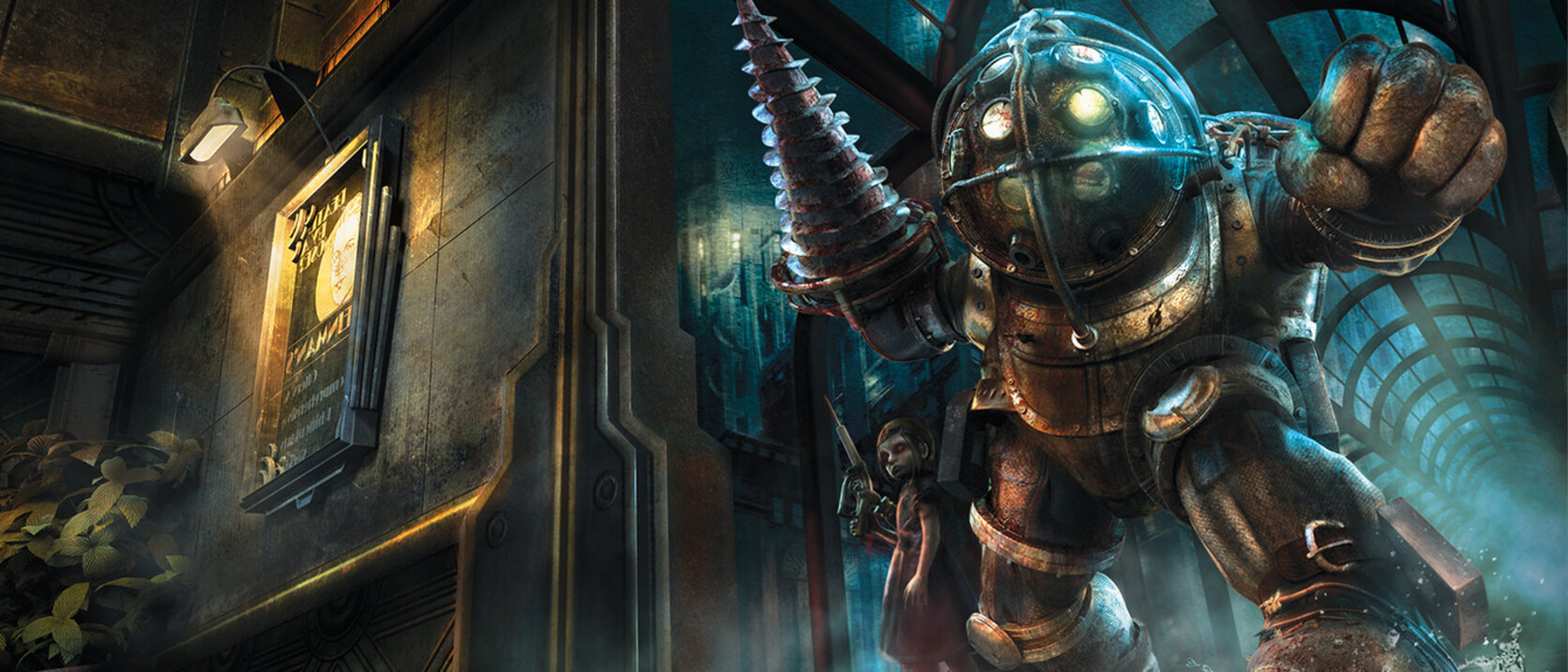
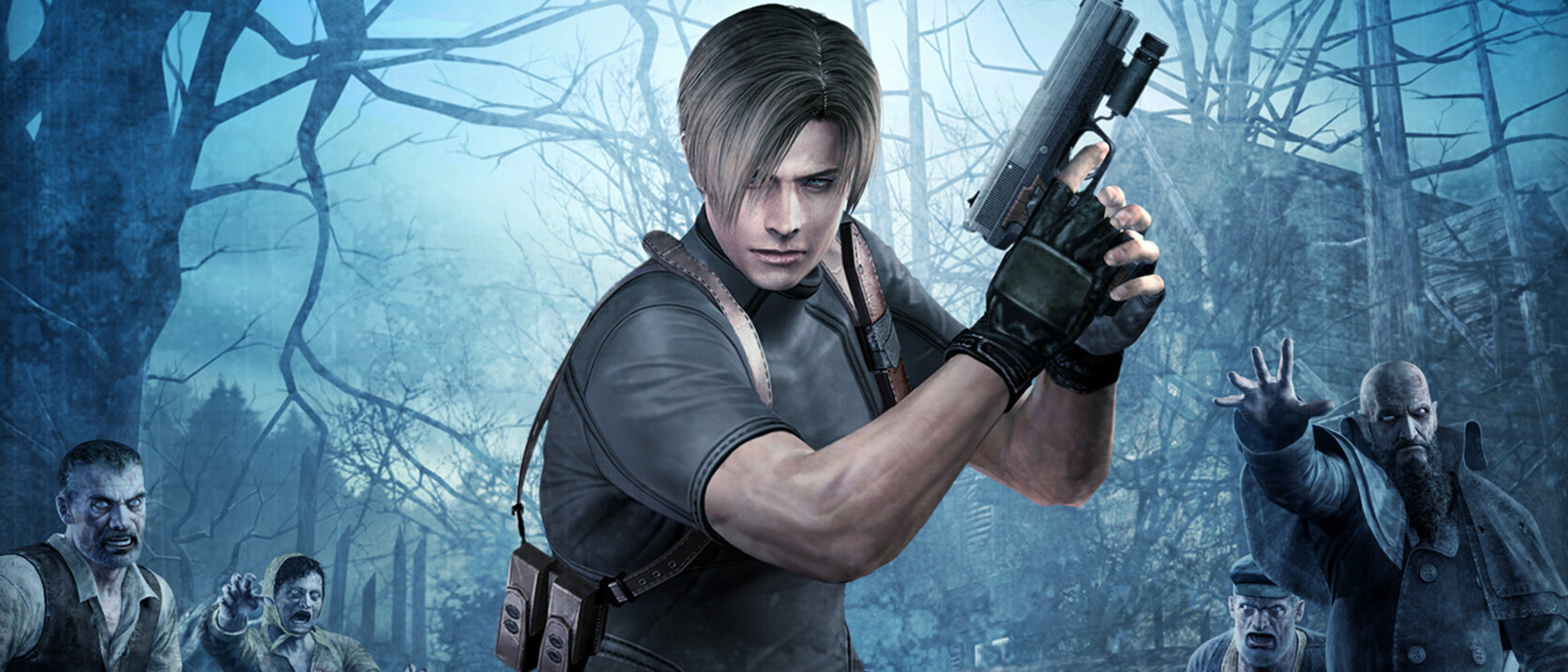
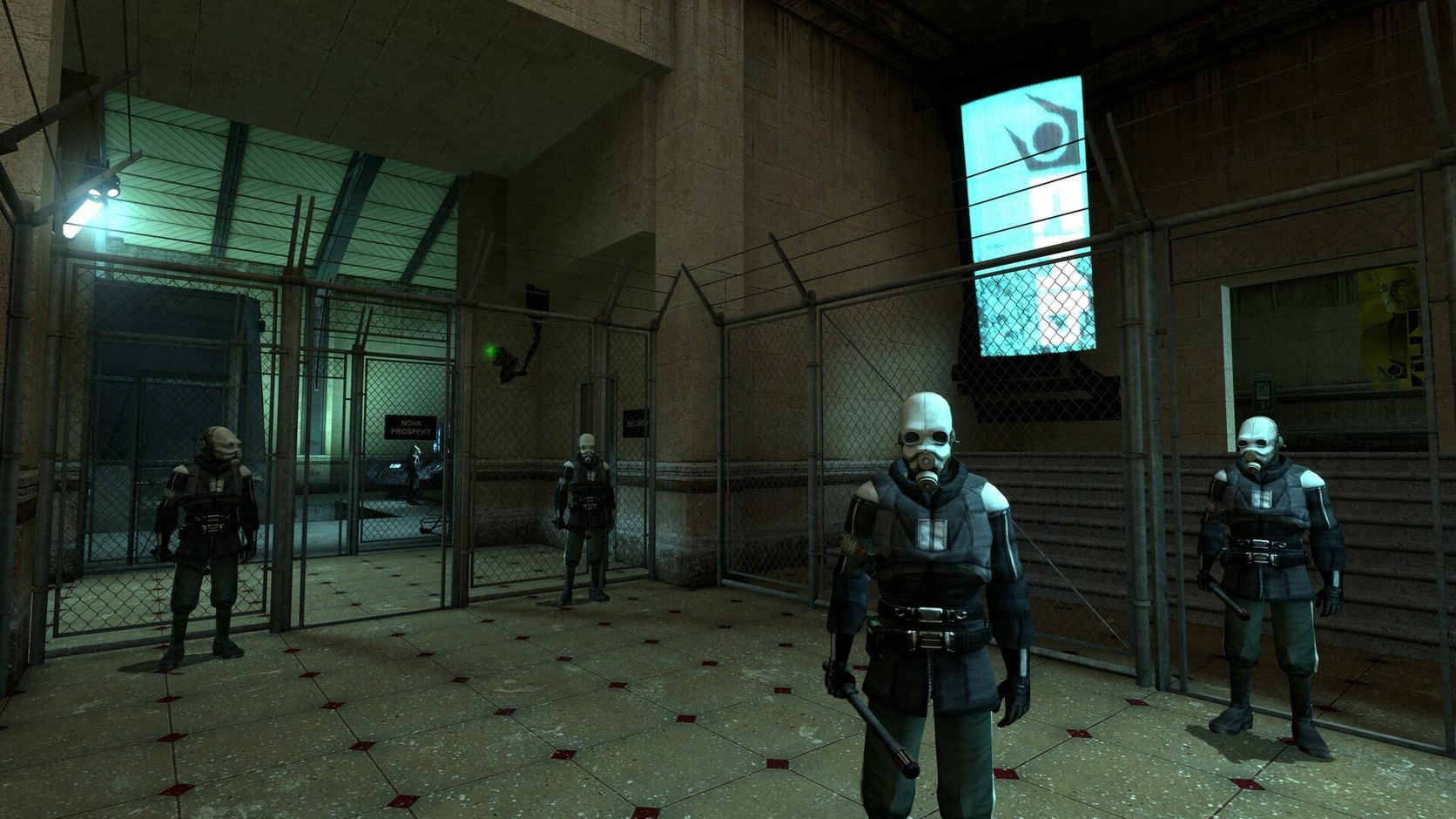
Zodita does not run Windows binaries. Each game is a native Android port of one specific PC game, built with touch controls and quality tiers chosen from the phone's hardware. Install from the Zodita app, play offline, update with delta downloads. The trade-off is scope: only the games on Zodita exist, and most are demos or early access today: Skyrim Mobile (Helgen to Whiterun), Half-Life 2 Mobile (free demo, full game on pre-order), the Call of Duty 4 campaign demo, BioShock 1, F.E.A.R., Max Payne 1 and 2. No PC, no files to copy, no settings to tune.
Which one is for you
You want to try your own Steam library on a flagship phone and enjoy tinkering: Winlator or Mobox. You have fast internet everywhere and a subscription budget: cloud streaming. You want Skyrim, Half-Life 2 or BioShock on a normal phone, offline, in two taps: Zodita. Many people use two of these. The ports on Zodita are unofficial community ports, not affiliated with or endorsed by the original publishers.
More games on the way


Questions and answers
Is Zodita an emulator like Winlator?
No. Winlator translates Windows programs at run time. A Zodita game is rebuilt as an Android app for that one game, so there is nothing to translate and nothing to configure.
Can Zodita run any PC game?
No. Only the games ported to Zodita exist there, and today most are free demos or early access builds. Winlator-style apps can try any Windows game; Zodita cannot.
Does Zodita need a flagship phone?
No. The floor is Android 8, 4 GB of memory and a 64-bit chip. Heavier games such as Skyrim Mobile lower their quality tier on mid-range phones.
Does Zodita need internet to play?
Only to sign in, download and update. The games run offline on the phone, unlike cloud streaming.
Is Zodita free?
The app and the demos are free with a free account. Full versions of the ports are sold on zodita.com; Half-Life 2 Mobile has a free demo (chapters 1-3); its full game is on pre-order.
Also on Zodita
PC games on Android Skyrim Mobile APK Half-Life 2 APK PC games without emulator Skyrim Mobile MDW1 Mobile Bioshock 1 Mobile Half Life 2 Mobile F.E.A.R Mobile Max Payne Mobile Max Payne 2 Mobile The Witcher 3 mobile Fallout 4 mobile Roadmap Safety
Zodita's ports are unofficial community projects. They are not affiliated with or endorsed by the original publishers. All trademarks belong to their owners.